Sunday, August 24th 2025 Part III - Building a Landing Page with Framer, Lovable and Cursor
In this article I share with you my process of building a landing page from scratch for our main tech products and the learnings I gain from doing so. Let's begin.
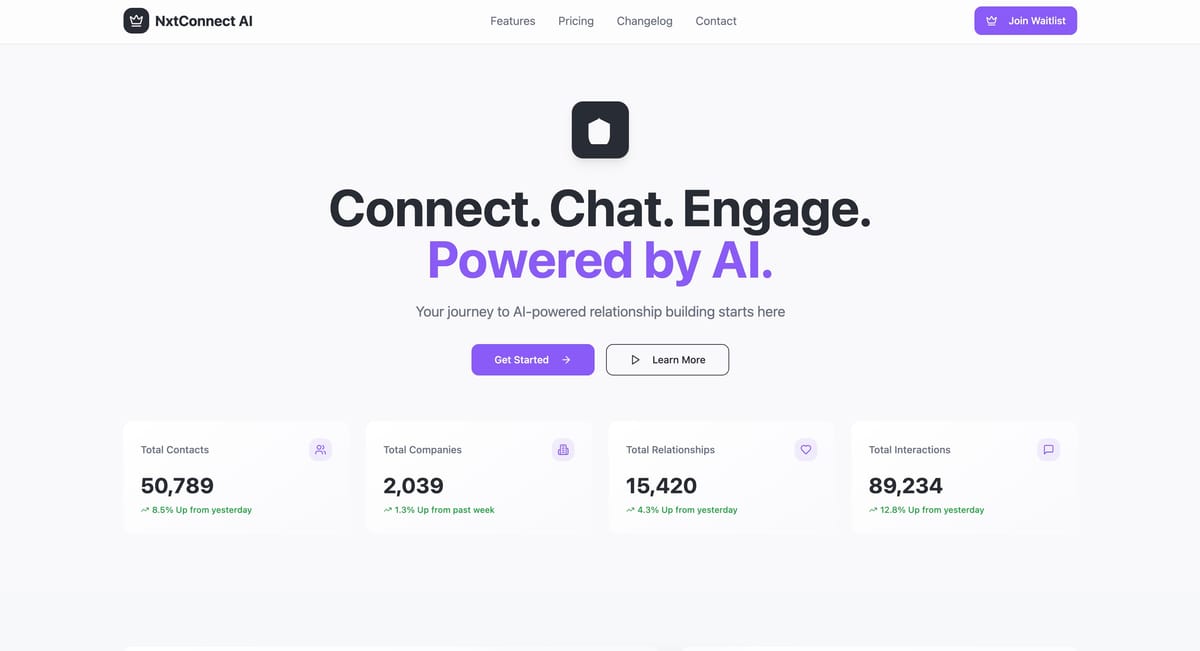
This article is all about building a SaaS product landing page. So far, I have built parts of that website before with various tools, but despite an older version of that platform, none of them are live and at the same tome satisfactory enough as for me to give it the green light.
Thus. Let's begin. And at the same time test our ability to get it done as fast as possible. It's a task I am not too excited about and thus, the faster I can put a check mark behind it the better. ✅
🕞 6:58pm: Context and start situation
- We have a lovable website with a full backend for contact details and co. We could build that website above that backend and would be able to keep all the backend functionality. Could be a good idea.
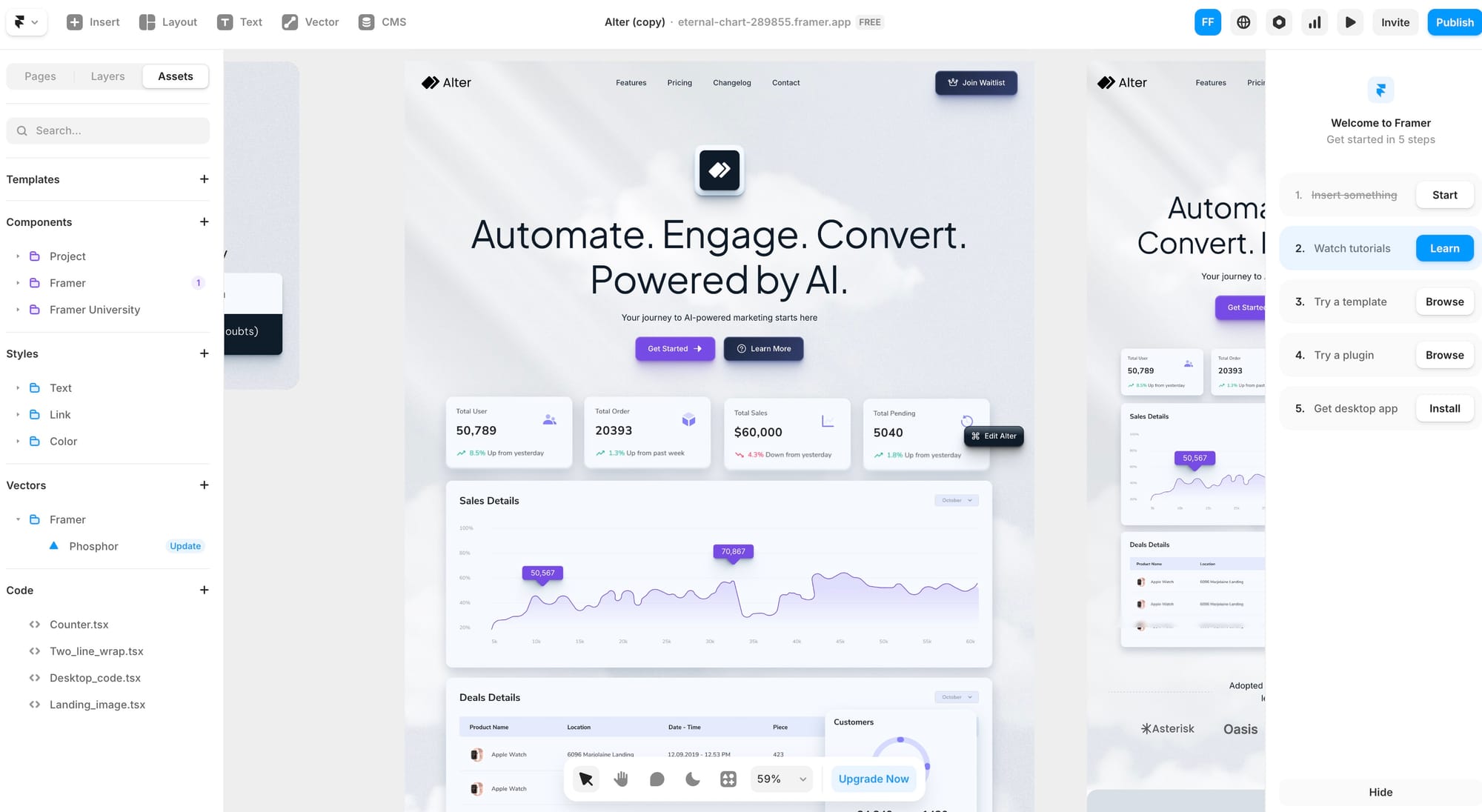
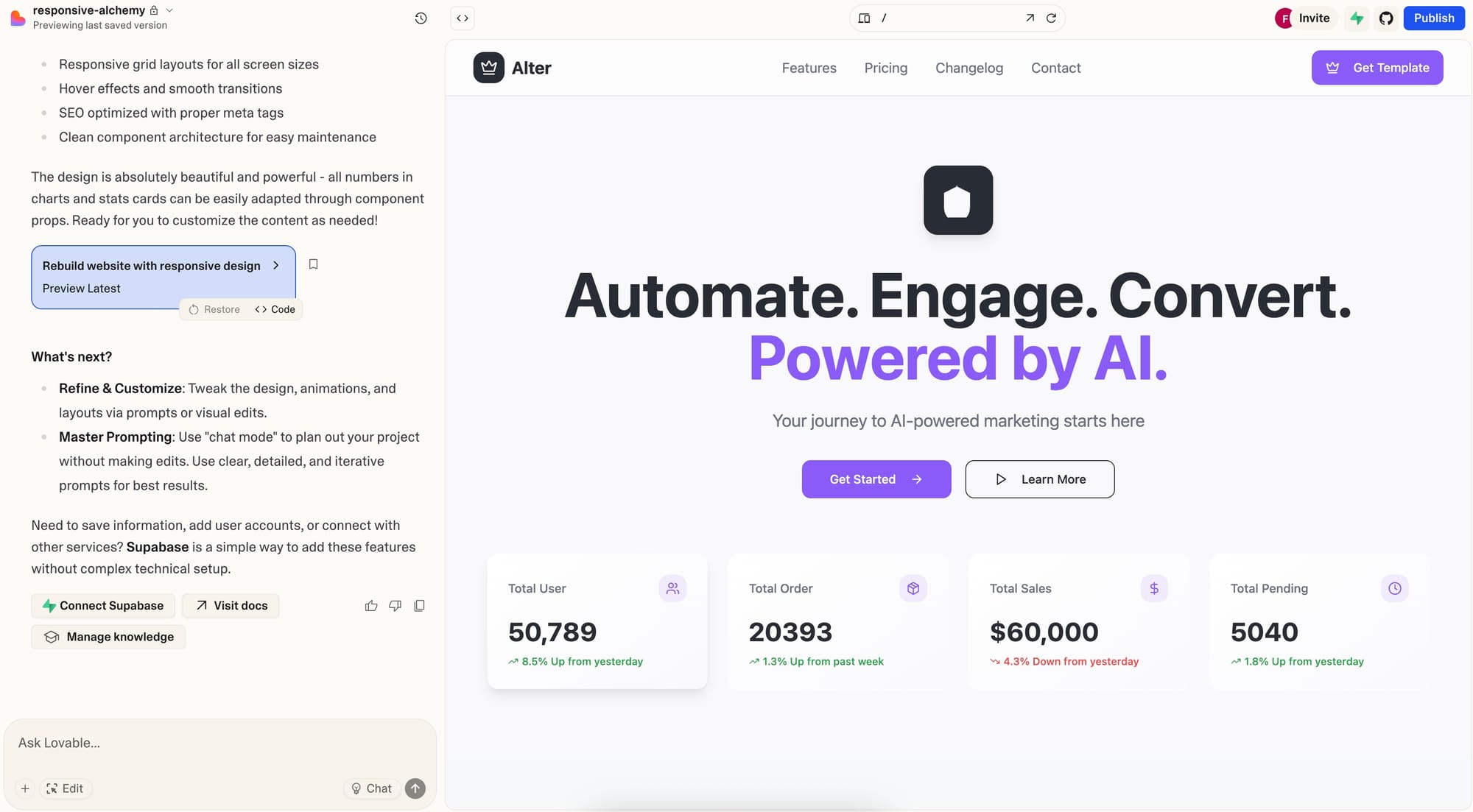
- We have an already good first start of a Lovable website that we design-wise only copy-pasted from Framer - Framer has beautiful designs, but is not that helpful for more complex backend and automations built into it.
- We have a half-baked website via Cursor, that we have not yet seen and examined. Same as Lovable - Copy-Pasted from Framer. Same Design.
- We have good Lovable skills, but it takes time, but we have many credits and need to use them. We have good AI vibe coding skills, but Cursor and building all from scratch is not necessarily necessary for that project. And we could use Framer, as we worked with it before - but a bit clunky for anything more than design.
- There are other tools on the market to achieve that like Webflow (too clunky and manual), Wix, Wordpress (feels way too old) and some more. Let's go with what we have.
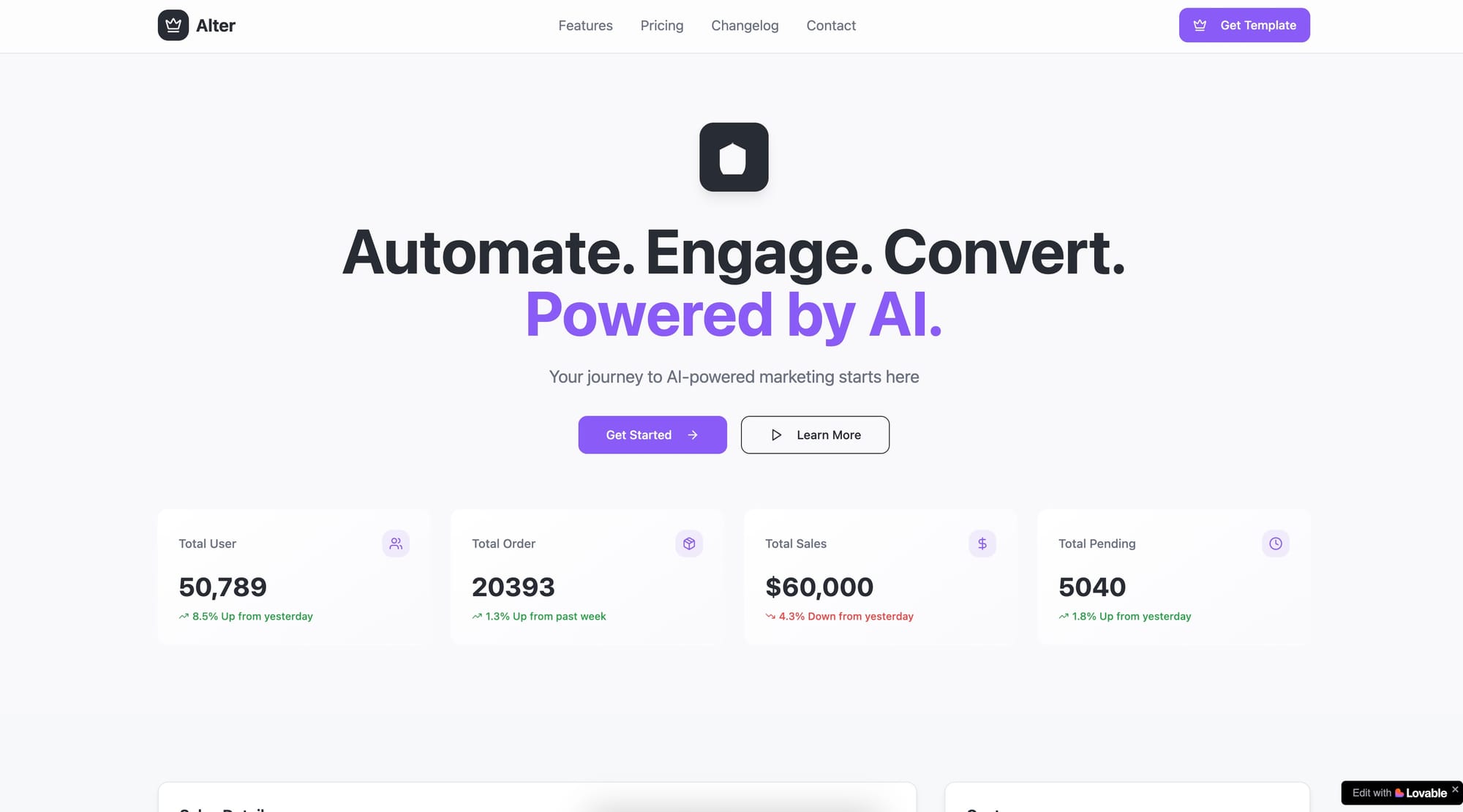
🕞 7:03pm: Quick Test of All Relevant Options
Ok, lets quickly open the relevant pages to check if we could copy-paste the new Framer design copied into Lovable to move to the other Lovable project. There is an option via Cursor and Github, but that seems to complicated, let's try the manual copy-paste approach.
Can you build a new landing page and call it /new or so and I give you the code for it and you help me copy paste it over so that we build that website design? I also attach some of the images for that design, so you see it visually as well? [ Now I copy all the code from the new design into the already built complex backend, the /new is just a placeholder]Given that fact, let's do a different thing. Let's do that transfer of the website into Github. And then use Cursor from there onwards. It became much strong recently and we have a good starting base for the website and with the images.
🕞 7:21pm: Transferring First design into Cursor and keep building there
It's real, it's a one-way-sync only right now. Lovable shows a blank page. I really hope that is temporary. And my new app is not ready yet via Cursor - I first need to install all the relevant dependencies, especially Vite and Shadcn.
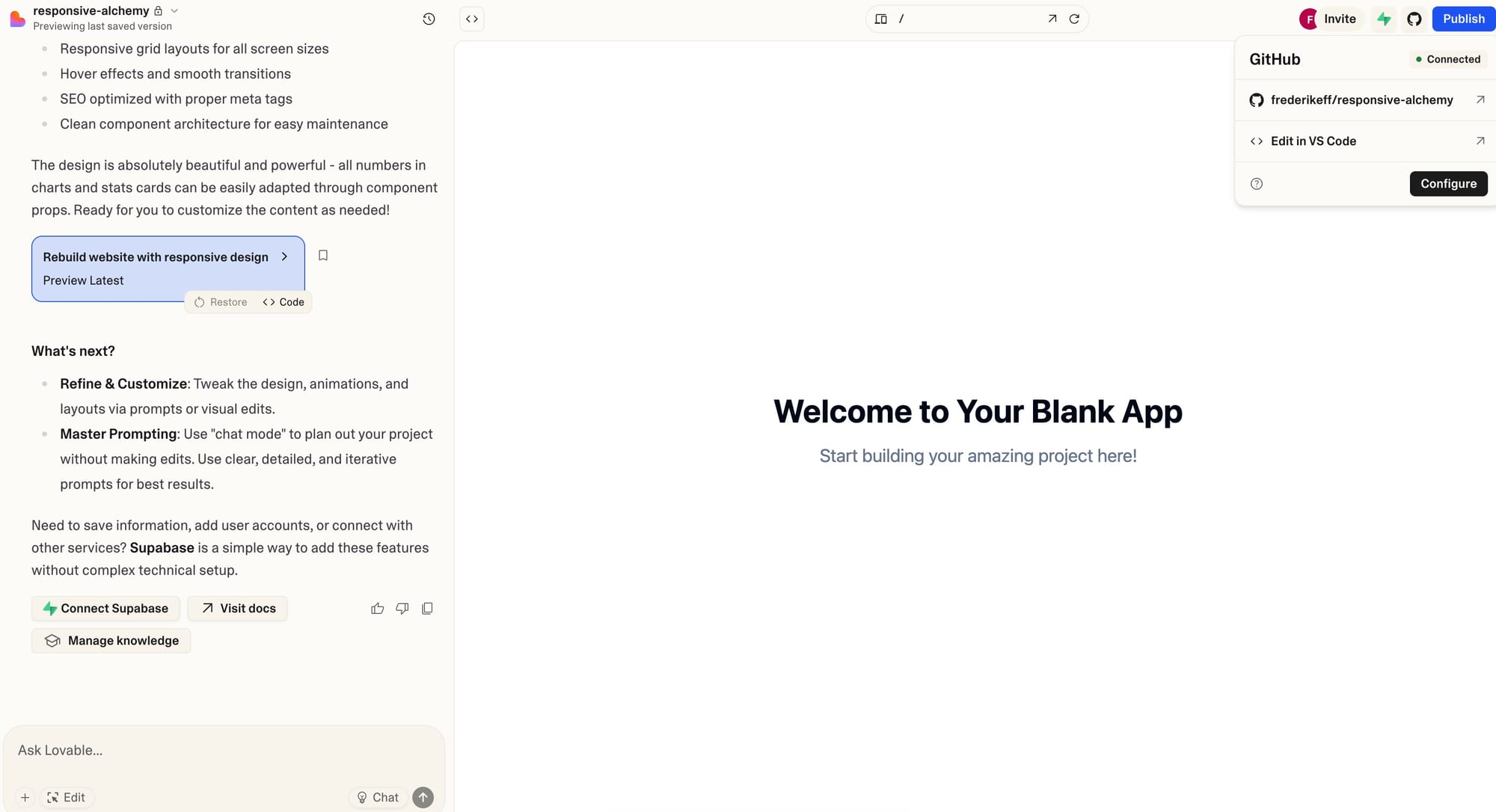
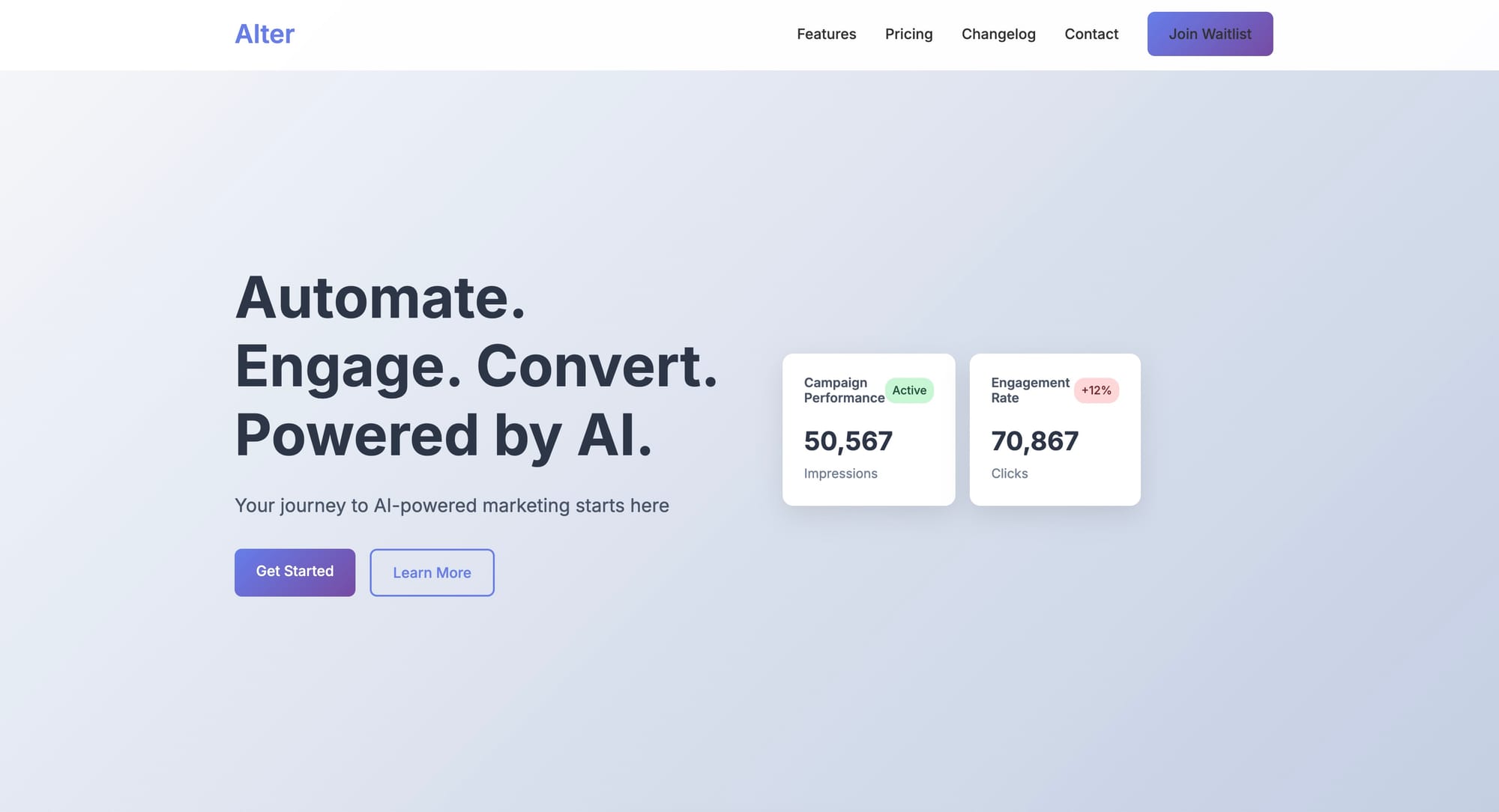
🕞 9:26pm: Lovable is back with its two-way sync. Thank god!
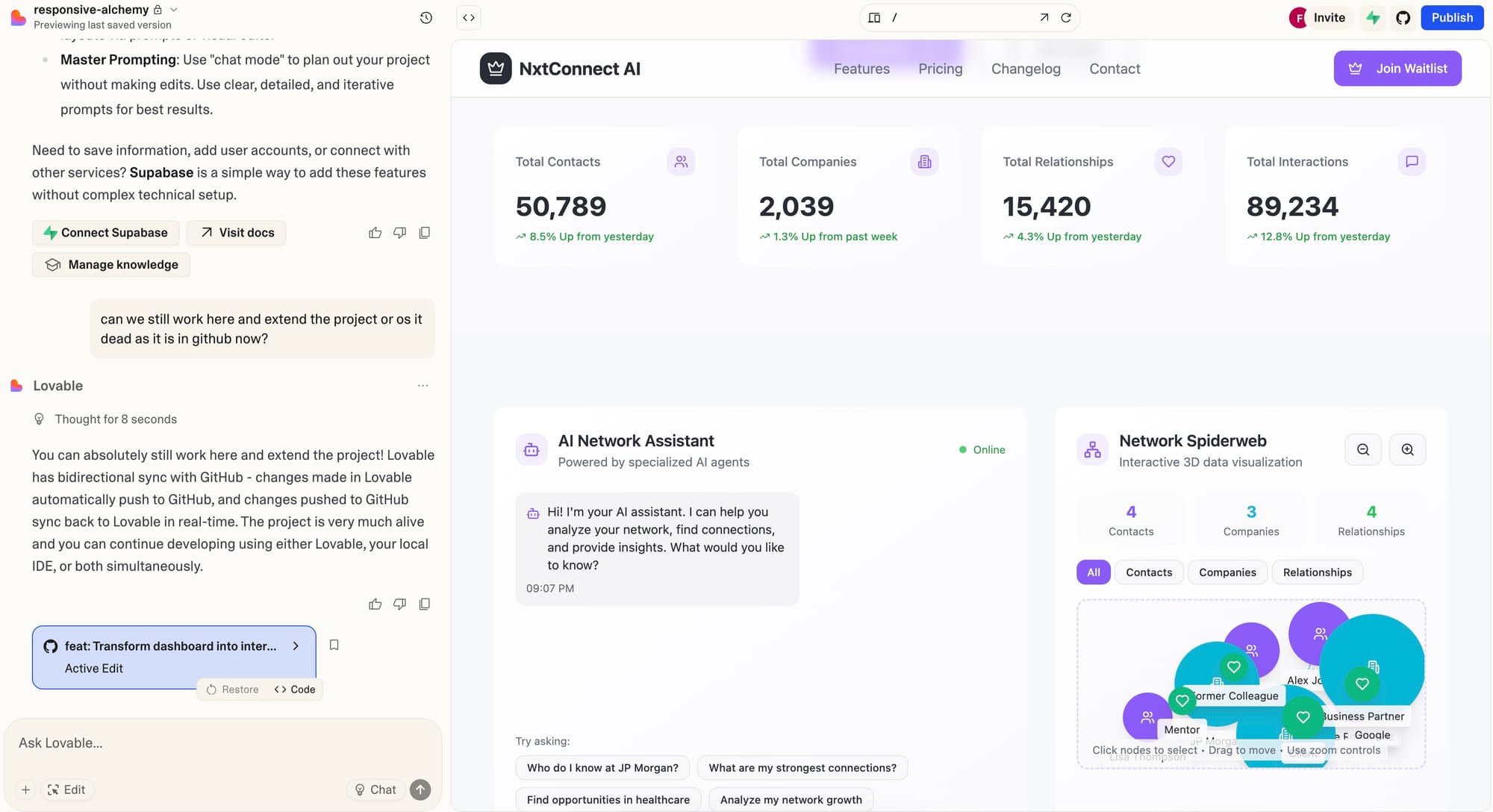
Lovable is back with its two-way sync and it just felt so good. I made an update of the website in Cursor and once committed to the main branch, all the updates are automatically synced into Lovable.
We keep working now in Cursor as we make good progress. But look at that, how beautiful that is:
🕞 9:50pm: Key insight: Just go step by step through the sections of the app and ask for what you want to have changed
The best way I find Cursor is working is to ask it to change the different sections one by one. Not too much of a change at the same time or there is too much change expected and that is not always in a way of how you want to have it.
Here are some tricks and learnings of how you get the most out of Cursor (and Lovable) when building websites:
- Before - After Difference. Describe in detail how it looks now and how you want it to look like. Make images of both states, describe in detail and as precisely as possible what you want to achieve. The better you do that, the more Cursor and Lovable understand what you want.
- Exclude the Rest. Add - especially for Lovable - that you only want to change specific things, not the rest. Especially Lovable loves to change large amounts of your other code with it. Cursor got better with that, Lovable not that much yet. So that helps a lot. "Only change that. The rest has to stay as it is" etc. Choose what feels most comfortable.
- Have the website open. Even if you have your website in your head, it is still helpful to have it visually in front of you. You can see how it looks like and then build upon that. Helps to also describe the before-after difference much better. Use localhost for Cursor and Lovable has this built in.
- Chat and name it. When you want to have an opinion, an idea, a suggestion, but do not want neither of them to code right away, state that. Say - I want to chat now, and only chat. Then the AI knows. Otherwise, it may just start coding. So keep it focused on your objective of that specific prompt and you achieve better results. And especially are not disappointed or annoyed when it programs and changes a file while you were still in exploration mode.
- Copy-Paste Content, Errors, Links. You can basically copy-paste whatever you want to into Cursor's chat field. And that first gets better with each update. And second allows you to:
- Copy-Paste Content like "Here is what I wrote in another website" and write "see the image attached for the content that we have here on our website" and then say "now I want to keep my current design, but adapt the cards with the content [that you just copy-pasted into the chat field]". Cursor is doing that and it saves you a lot of time.
- Copy-Paste website links. You can easily copy website links and say, please research them and add them. Or "please research this website and adapt our website's section about xyz with that content on that website, that specific part abc".
- Copy-Paste errors. I hate errors, but the copy-pasting of errors is very effective. Just copy all of it into the chat window and youa re good to go. Describe what is failing and why, describe the error you get when you test a workflow, and better copy-paste a bit more than a bit less. The AI figures it out.
- And never forget. Be as precise as possible. The better you describe step by step, before-after and anything else you want to describe, the better results you will achieve.
🕞 10:33 - We call it a day soon, so here is the first version of the website
And you can clearly see some formal errors on various parts of the website as well as that most of the buttons do not yet work. However, most of the animations and interactive parts of the website work. Users can click on the interactive data map, they can move around and play around with the spiderweb of data, they can see insights and play around with the AI chat bot.
All sample data, but it keeps the website interactive and playful.
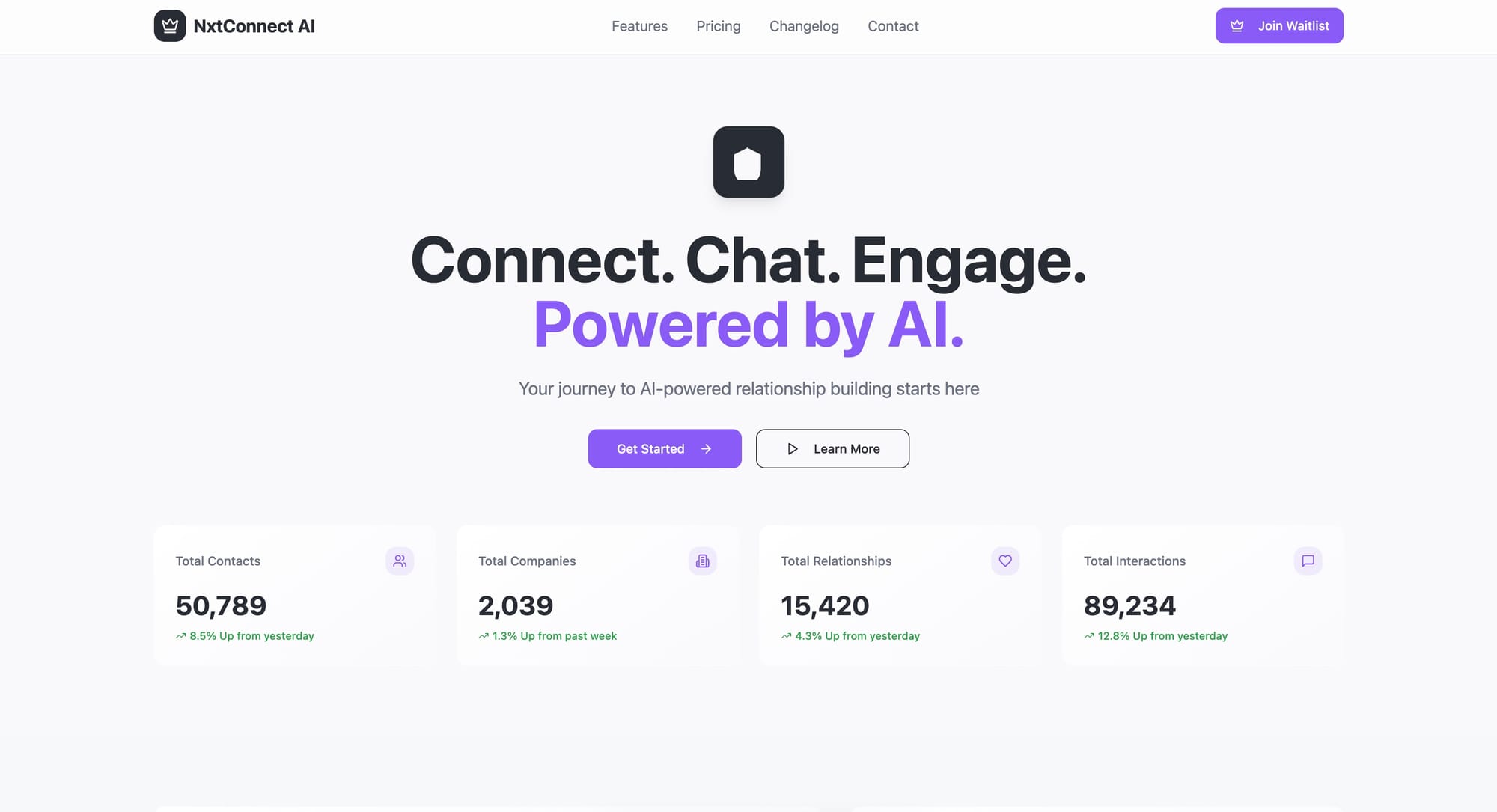
The result: So far, it took me roughly 3.5 hours to build the website. But, what is not visible is this:
- I was the orchestrator, the manager of AI. AI was kind of my team member or freelancer helping me bring that website to life. Without my guidance it would have been lost, but without AI I would have been lost. It is a symbiotic work where each needs the other but the question is, does AI need me? 😏
- As AI is coding for you, you can at least theoretically do other things while AI codes. However, due to the small tasks, it only works partially.
- I wrote the article in between, I researched on "algorithmic discoveries needed for superintelligence" and read some content on them, made tea and checked out some work in Lovable while working on the task.
- There are ways to speed up the coding task. And hopefully soon per voice, so that I can do exercises more easily while coding - well giving coding directions and feedback - and combine other activities with sitting here and working through the landing page process faster.
🕞 11:01pm - Calling it a day. But don't forget...
If you want to build a similar website/landing page, then here are the steps in a nutshell. (P.S.: If you never touched Lovable or Cursor, let me know and I give you some tips on how to get started, these tips asks for at least a base of vibe coding experience)
- Framer: Find a design that you like.
- Make screenshots of it. Lovable accepts max 10, Cursor I do not know. Never tried so far.
- Open Lovable, input your 10 screenshots max, describe what you want. And say - copy this page for me. And optionally change/adapt xyz.
- Once done, connect to Github.
- Optional: Keep working in Lovable. Or do so in Cursor. For this website, I switched to Cursor. But both work.
- Open Cursor. Check out the Github branch of that project.
- Let Cursor check out the code and make sure it installs (when you start with Lovable as here) Vite and Shadcn and all other relevant dependencies.
- Start the server and look at your design and first version at localhost.
- Start using the tips I shared above to change your website by giving directions and talking to Cursor.
- Don't forget to commit your changes regularly back to Github. If you do, you see how the design changes in Lovable too.
- Keep doing that once you are done.
- And voila, ready is your website.
- For now - you may be missing the button connects, modals, forms, pop-ups, waitlist workflows. These we do tomorrow.
For now, I'll call it a day. Hope you enjoyed the text and let me know once you designed your first landing page. I would love to see the results.