The Inform Buster: Never miss a meeting plus a prep again
Learn more about The Inform Buster and how it will change the world for those, who don't want to miss a meting again and don't want to miss being well prepared for their next meeting.
Problem:
I check my emails and daily diary each day. And then Google or so can inform me. But that works only partially, is annoying with all these pop ups and I may oversee it when in deep work.
Vision:
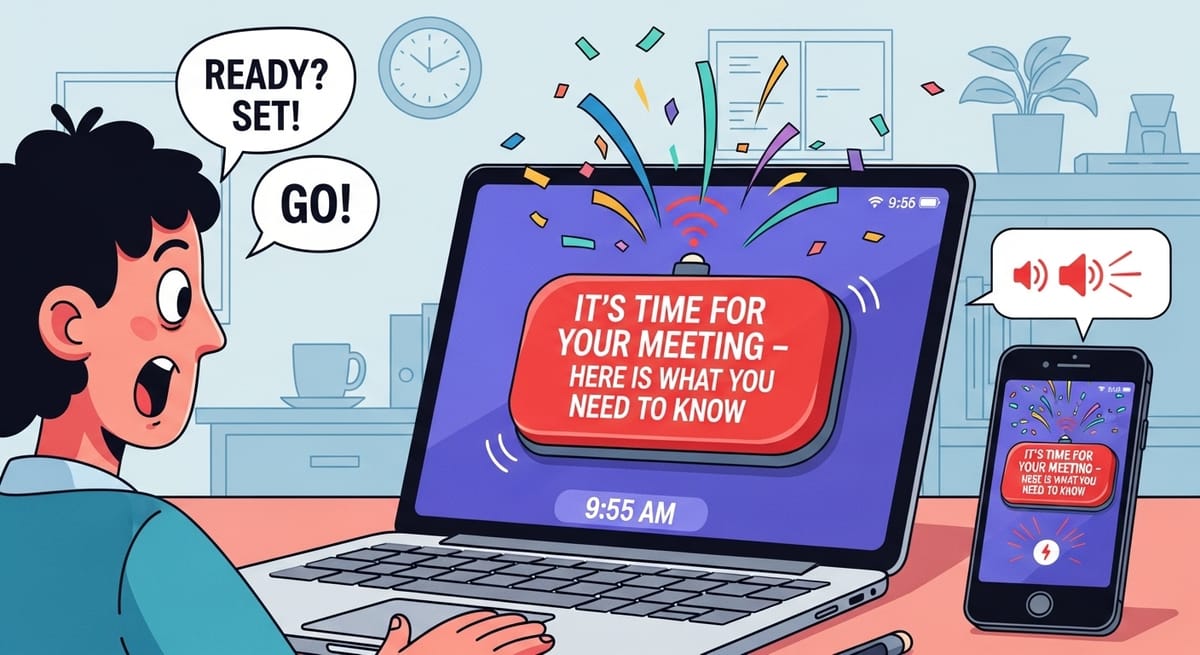
What if there would be a button, big fat, red, busting, showing up on my screen, on my phone, in audio that says, screams, clearly states - It’s TIME - your meeting happens in 5 minutes. And then, the next 5 minutes it prepares you for it - sit straight, this is the person you talk to, this is the history, get prepared and enjoy the ride - And a person jumps out, gives you confetti, makes you ready for the call.
Frederike's Newsletter is a reader-supported publication. To receive new posts and support my work, consider becoming a free or paid subscriber.
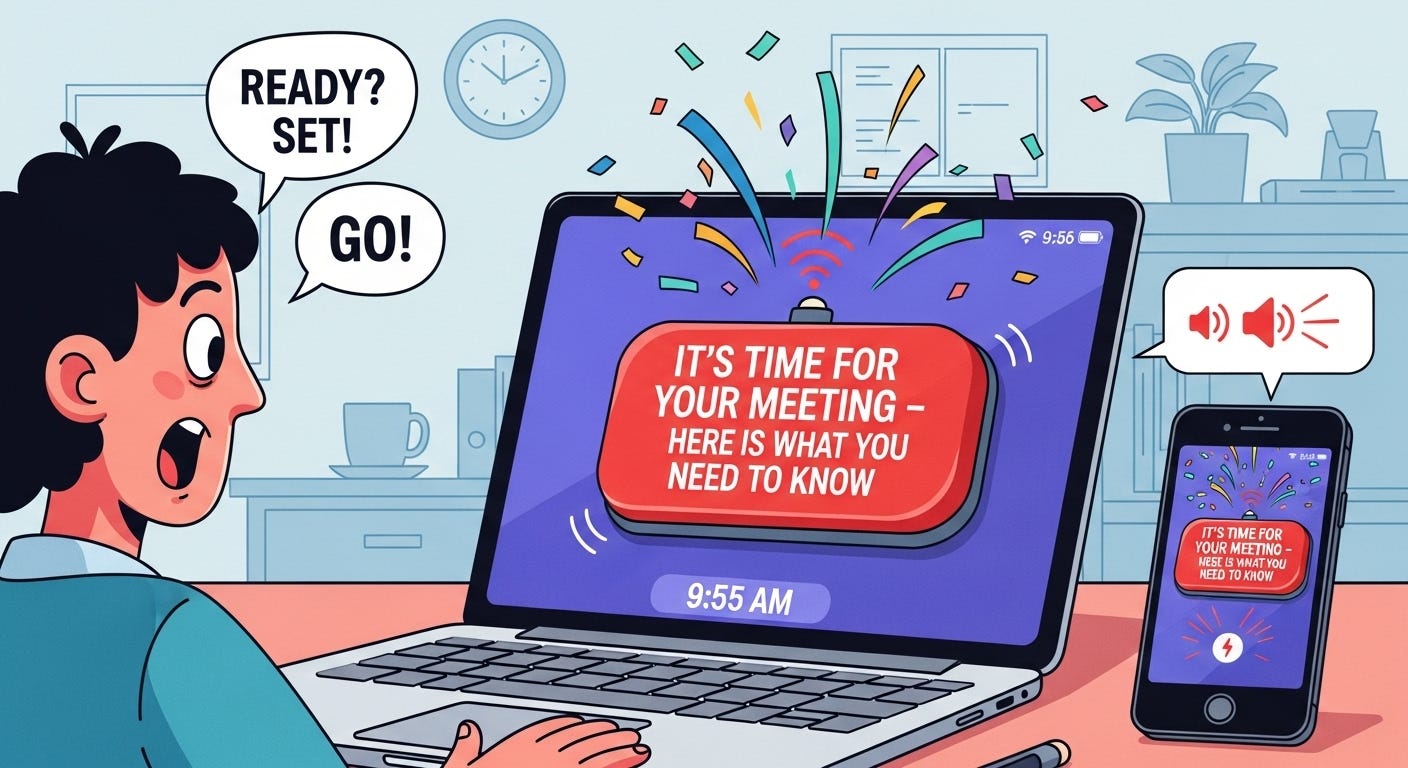
In more details: Let’s skip that, InVideo really after I invested $35 to remove the watermarks asked me to spend more on AI Credits. So the beautiful vision of that video never sees the day of light. But hey, let’s try Veo, they now also added sounds. Voice too? Let’s try it.
Not exactly how I envision it, but isn’t that amazing - one prompt and that is a full video? That is fantastic, let’s try one more - not with a promotional video script from Claude AI based on the product idea, but on the product idea itself as a prompt:
Much better, even if the video is shortened up:
Now, how to create it?
We can for these questions ask Claude AI best when we want a technical solution, but Gemini also becomes more and more advanced.
Implementation Guidelines a la Claude AI:
How to Actually Build "The Inform Buster" - Implementation Guide
Start THIS WEEK - Quick & Dirty Prototype
Day 1-3: The Alert System
javascript
// Browser extension manifest.json
{
  "permissions": ["notifications", "storage", "alarms"],
  "background": { "service_worker": "background.js" }
}

// Monitors Google Calendar API every minute
// When meeting in 5 min → triggers full-screen alert
Tools needed:
- Chrome Extension boilerplate
- Google Calendar API
- Web Audio API for the "IT'S TIME!" scream
- CSS animations for pulsing red button
Week 1: Core Components
1. The Big Red Button
html
<!-- Full screen takeover -->
<div class="panic-overlay">
  <button class="big-red-button pulsing">
    IT'S TIME!!!
  </button>
  <audio autoplay src="alert-sound.mp3"/>
</div>
2. Meeting Intelligence Scraper
- Pull from: Calendar description, past emails, LinkedIn
- Use OpenAI API to summarize: "Here's what you talked about last time"
- Store in local database: meeting history, key points
3. The 5-Minute Countdown Experience
javascript
const prepSequence = [
  { time: '5:00', action: 'POSTURE_CHECK', message: 'Sit up straight!' },
  { time: '4:00', action: 'BRIEF_DISPLAY', message: 'Here\'s who you\'re meeting' },
  { time: '3:00', action: 'CONTEXT_LOAD', message: 'Last 3 conversations recap' },
  { time: '1:00', action: 'CONFIDENCE_BOOST', message: 'You got this!' },
  { time: '0:10', action: 'FINAL_HYPE', message: 'Show time!' }
];
Month 1: Full MVP Build
Tech Stack:
Frontend:
- React Native (mobile) or Electron (desktop)
- Framer Motion for animations
- React Three Fiber for 3D coach

Backend:
- Node.js + Express
- PostgreSQL for meeting history
- Redis for real-time notifications
- OpenAI API for intelligence

Integrations:
- Google Calendar API
- Microsoft Graph API
- Slack/Teams webhooks
- Gmail API for email context
Key Features Implementation:
1. Smart Notification System
python
def check_meetings():
    upcoming = calendar_api.get_events(minutes=5)
    if upcoming:
        trigger_red_alert(upcoming[0])
        start_prep_sequence(upcoming[0])
2. AR Coach (Using phone camera)
javascript
// Using WebXR or AR.js
const coach = new ARCoach();
coach.appear();
coach.throwConfetti();
coach.speak("Let's get you ready!");
3. Meeting Intelligence Engine
python
def prepare_brief(meeting):
    attendee_info = scrape_linkedin(meeting.attendees)
    past_notes = get_meeting_history(meeting.attendees)
    email_context = search_emails(meeting.attendees)

    brief = openai.summarize({
        "attendee": attendee_info,
        "history": past_notes,
        "recent_context": email_context
    })
    return brief
Rapid Prototyping Path (2 weeks)
Week 1:
- Day 1-2: Basic Chrome extension with calendar monitoring
- Day 3-4: Full-screen alert with sound
- Day 5-7: Simple countdown timer with prep steps
Week 2:
- Day 8-9: Add meeting context display
- Day 10-11: Integrate animation/confetti library
- Day 12-14: Test with 10 users, iterate
No-Code Version (Start TODAY)
Using Zapier/Make.com:
- Trigger: Google Calendar event in 5 minutes
- Action 1: Send Slack message with air horn emoji 📢
- Action 2: Create Notion page with meeting prep
- Action 3: Send SMS with meeting link
- Action 4: Play Spotify hype song
Quick Browser Bookmarklet:
javascript
javascript:(function(){
  alert('IT\'S TIME!!!');
  document.body.style.transform = 'rotate(5deg)';
  setTimeout(() => {
    window.open('https://zoom.us/j/YOUR_MEETING');
  }, 5000);
})();
Development Timeline
Option A: Solo Developer (3-4 months)
- Month 1: Core alert system + calendar integration
- Month 2: Intelligence layer + meeting briefs
- Month 3: Polish + animations + coach character
- Month 4: Beta testing + iterations
Option B: Small Team (6-8 weeks)
- Week 1-2: Architecture + design
- Week 3-4: Core features parallel development
- Week 5-6: Integration + testing
- Week 7-8: Polish + launch
Option C: Hackathon MVP (48 hours)
- Hour 0-12: Basic alert system
- Hour 12-24: Calendar integration
- Hour 24-36: Countdown + prep display
- Hour 36-48: Polish + demo
Immediate Next Steps
- Today: Set up GitHub repo, create project structure
- Tomorrow: Build simple HTML/CSS red button prototype
- Day 3: Connect to Google Calendar API
- Day 4: Add notification trigger
- Day 5: Add countdown sequence
- Weekend: Test with friends, gather feedback
Fastest Path to Users: Build a Chrome extension this week → Share on Twitter/LinkedIn → Get 100 beta users → Iterate based on feedback → Build mobile app if demand exists
Status:
Backlog. If interested to build it, let me know and happy to assist.